Tera Scanner Model HW0011
The Tera HW0011 scanner doesn't read AIM Code, but it can send the Code ID. Here are the settings and tests to run.
The Tera Scanner Model HW0011 does not support reading AIM Codes. However, it allows the transmission of the Code ID, which, although different from the AIM Code, enables distinguishing the type of barcode being read. Therefore, the necessary configurations are as follows:
Instructions
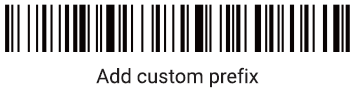
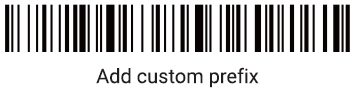
1. Indicate that you wish to add a prefix:
2. Specify the prefixes to add (in this case, it will be the character ] followed by the character ] again):
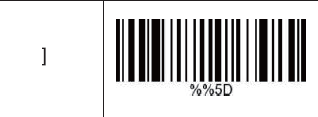
Add the first character ]
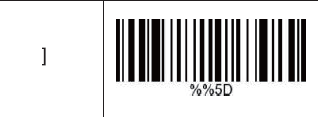
Add the second character ]
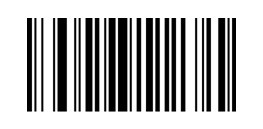
3. Configure the Code ID:
Testing
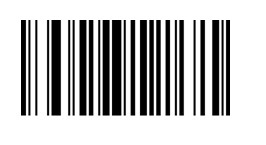
Read the barcode below and verify the result. The scanner should output the following code: ]]m5930383
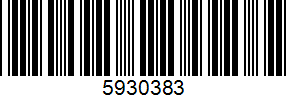
Note: If other characters appear instead of ]], it indicates that the scanner's language differs from that of the connected equipment. You should try to set the scanner's language to match the equipment's.
If the equipment's language is set to Portuguese, you should try to read the following codes (try one at the time):
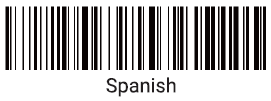
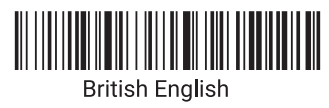
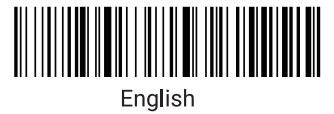
To deactivate the Code ID, read the following code:
To deactivate the ] prefix, follow these steps:
1. Read the following code:
2.Then, read the following code: