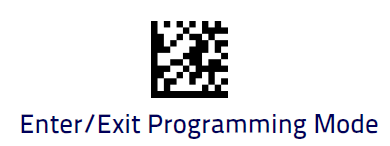
Datalogic QuickScan Model 2423
Setup guide for the Datalogic QuickScan 2423 scanner: device language and AIM Code configuration.
Taking into account the Datalogic QuickScan Model 2423, the configurations to be performed are as follows:
1.Set the device language to English (for proper operation, ensure that the scanner's language matches the operating system language - Windows).
- Entering Configuration Mode
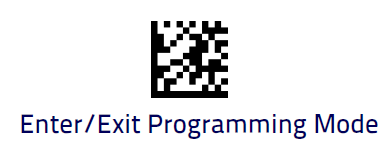 :
: - Setting the Language
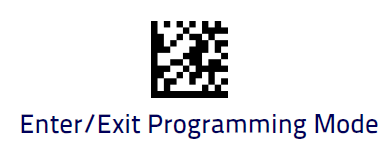
- Terminar o modo de configuração:
2. Configure AIM Code
- Entering Configuration Mode:
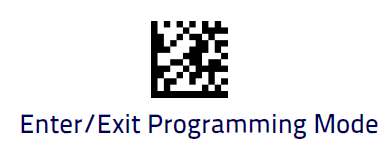
- Adding Prefix:

- Exiting Configuration Mode: