
How to plan tasks in the Planning screen
Plan picking, packing and put-away tasks on the planning screen, assigning operators and dates.
Follow these steps to assign picking and packing tasks to operators directly from the Planning screen
Instructions
-
Go to the Planning menu from the app’s sidebar
-
On the right side, you’ll see a list of tasks available for planning. Select the ones you want
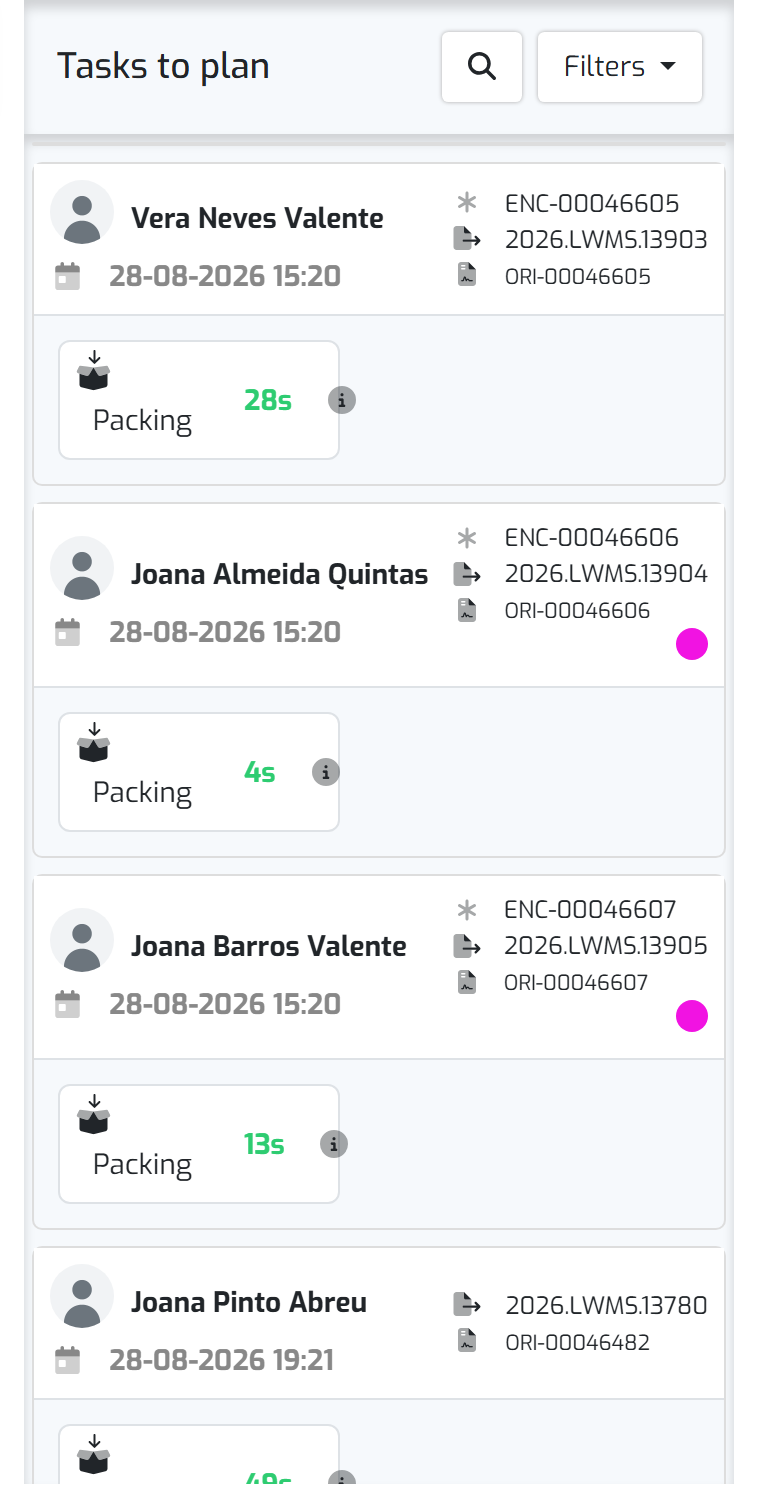
- You can select multiple tasks at once
- Packing tasks can only be planned if Picking is already assigned
- When planning multiple tasks at the same time, they can (for now) only be assigned to a single operator
-
Click “Assign tasks” (this button appears after selecting the tasks)
-
Fill in the details in the modal that appears
- Choose the operator (you can search by name or click on their photo)
- Set the start date and time
- Click Save to complete the assignment
Note: To change the assigned operator, you must first remove the current assignment.