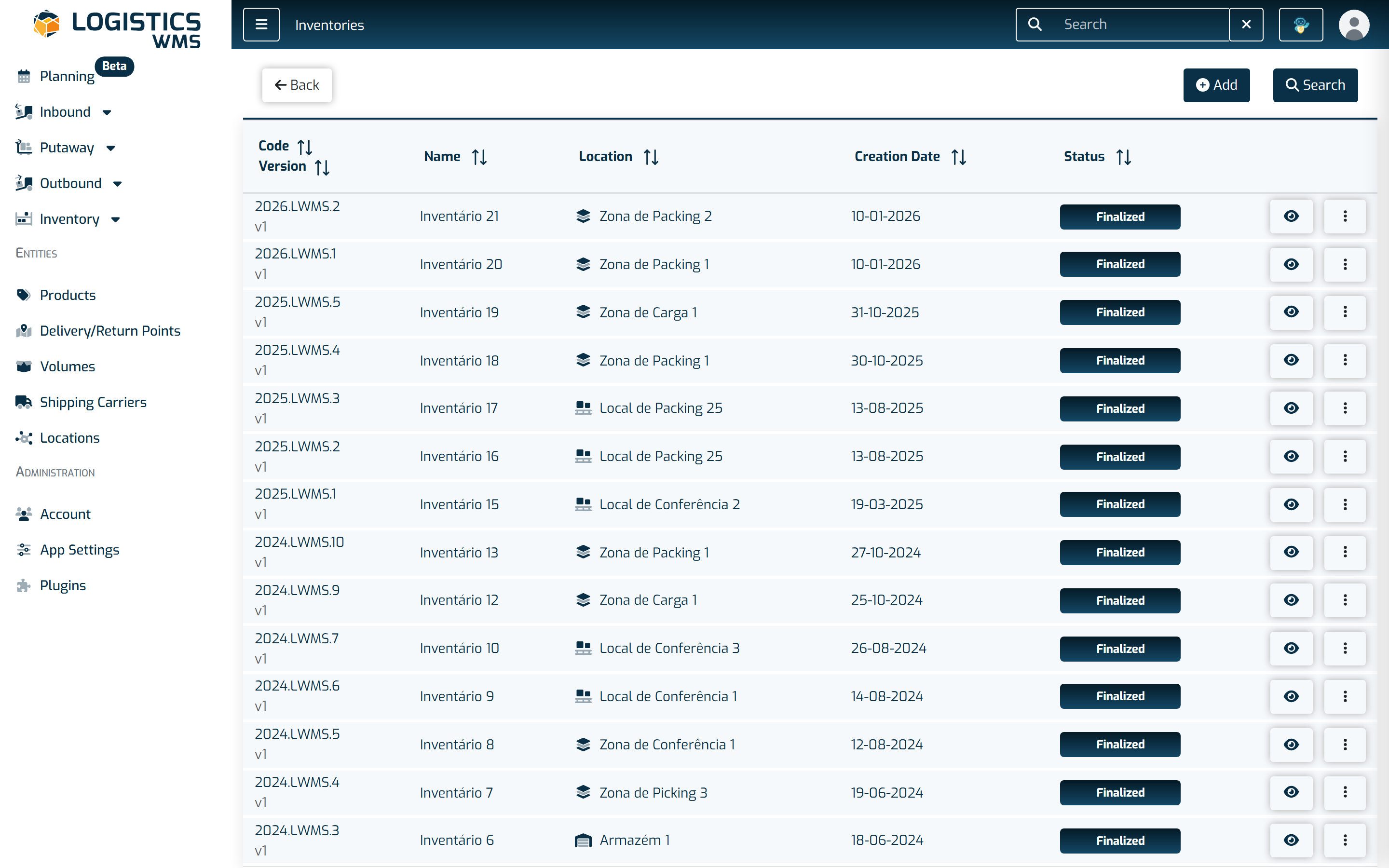
Inventories
How to create, run and close inventories in LogisticsWMS, including cycle counts and stock reconciliation by location.
In the "Inventories" menu, it is possible to make stock adjustments using one of two options: (1) Inventory by Location or (2) Stock Regularization. In both options, the result will be a stock adjustment!
The following submenus are available:
- Inventory by Location: allows performing physical counts of products, comparing them with the existing stock at the beginning of the process.
- Stock Regularization: an operational screen where positive or negative stock adjustments, as well as stock transfers, can be made.