
How can I set a PIN for my account?
Set your account's supervisor PIN from your profile, to confirm operations that require authorisation.
The supervisor PIN acts as a safeguard: it is what confirms operations that need a supervisor's authorisation, such as a customer return recorded by an operator.
Instructions
-
Click the profile icon in the top right of the top bar.
-
Select Profile.
-
In the Identification section, select Change PIN.
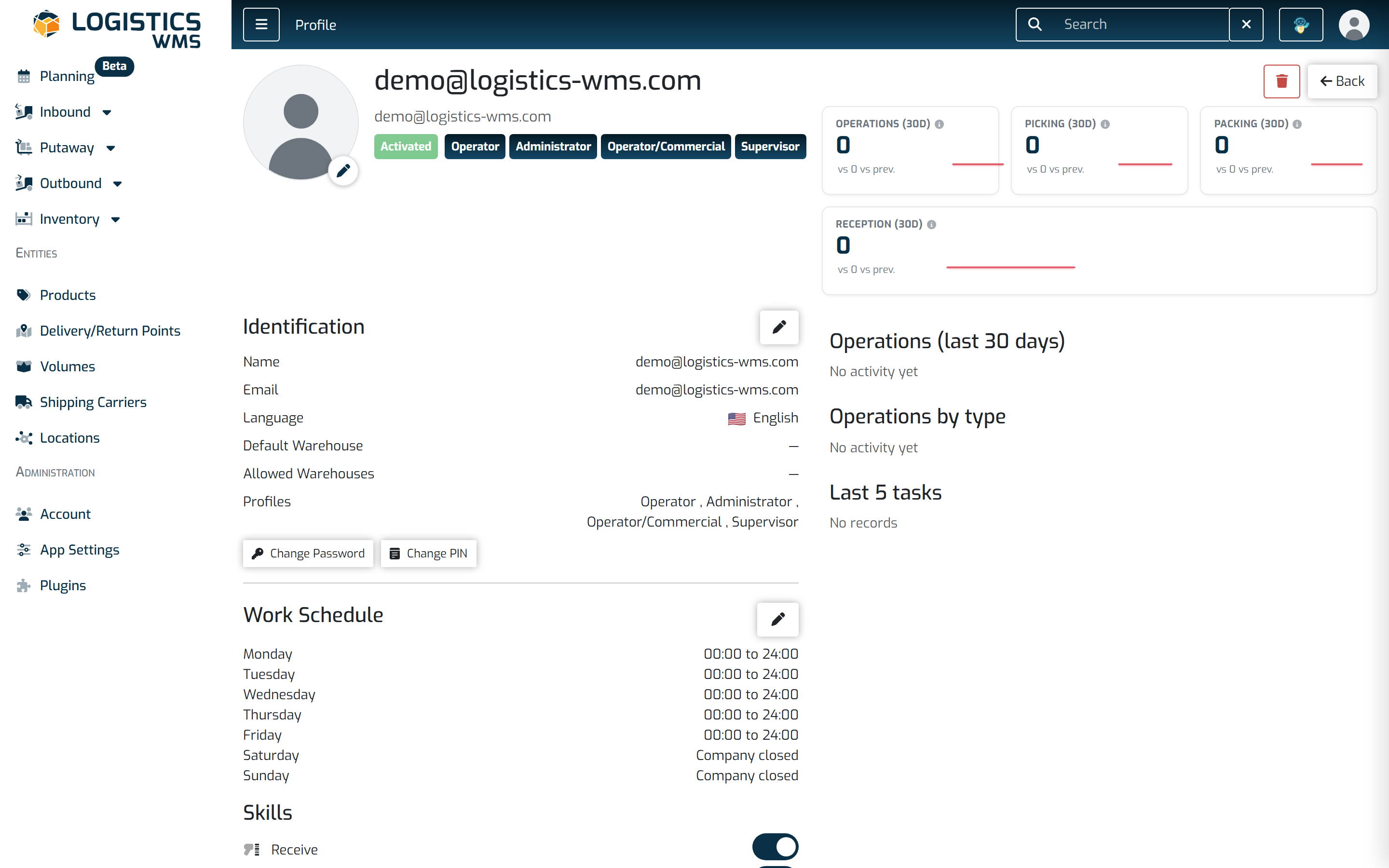
The profile brings the user details, work schedule, competencies and the change password and PIN buttons together on one screen. -
Fill in both fields with the PIN you want. It must have at least 4 digits.
-
Select Save.
Note: if you already have a PIN, the same button lets you replace it.